Kirby CMS
WireGum widget for a Kirby product page
Kirby can keep rendering the product page, while WireGum owns sellable variants, stock, checkout creation, order webhooks, shipping, and emails.
1. Add the widget configuration
Add the configuration and widget script once in the shared Kirby layout header. Keeping the settings in Kirby options makes them easy to override per environment, while json_encode safely moves them into the page. The storefront domain must also be authorized in WireGum Storefront.
<script type="application/json" data-wiregum-config>
  <?= json_encode([
    'organization' => option('wiregum.organization', 'workspace-slug'),
    'locale' => kirby()->language()?->code() ?? option('wiregum.locale', 'en'),
    'successPath' => option('wiregum.successPath', '/thank-you'),
    'cancelPath' => option('wiregum.cancelPath', '/shop'),
  ], JSON_HEX_TAG | JSON_HEX_AMP | JSON_HEX_APOS | JSON_HEX_QUOT) ?>
</script>
<script async src="https://wiregum.com/api/storefront/widget"></script>
The widget reads organization, locale, successPath, and cancelPath from this JSON element. The starter kit builds on the same pattern and adds widgetUrl for its own loader, which checks the storefront endpoint before injecting the widget.
For a minimal setup, the same widget settings can be placed directly on the script tag:
<script
  async
  src="https://wiregum.com/api/storefront/widget"
  data-wiregum-organization="workspace-slug"
  data-wiregum-locale="<?= kirby()->language()?->code() ?? 'en' ?>"
  data-wiregum-success-path="/thank-you"
  data-wiregum-cancel-path="/shop"
></script>
Choose one configuration method for a normal integration. If both are present, script attributes override the matching JSON values; this is useful for intentional overrides, but mixing the two by default makes the source of each setting harder to see.
2. Add a buy box to your product template
<div
  data-wiregum-product="<?= $product->wiregumProductId()->esc() ?>"
  lang="<?= kirby()->language()?->code() ?? 'en' ?>"
></div>
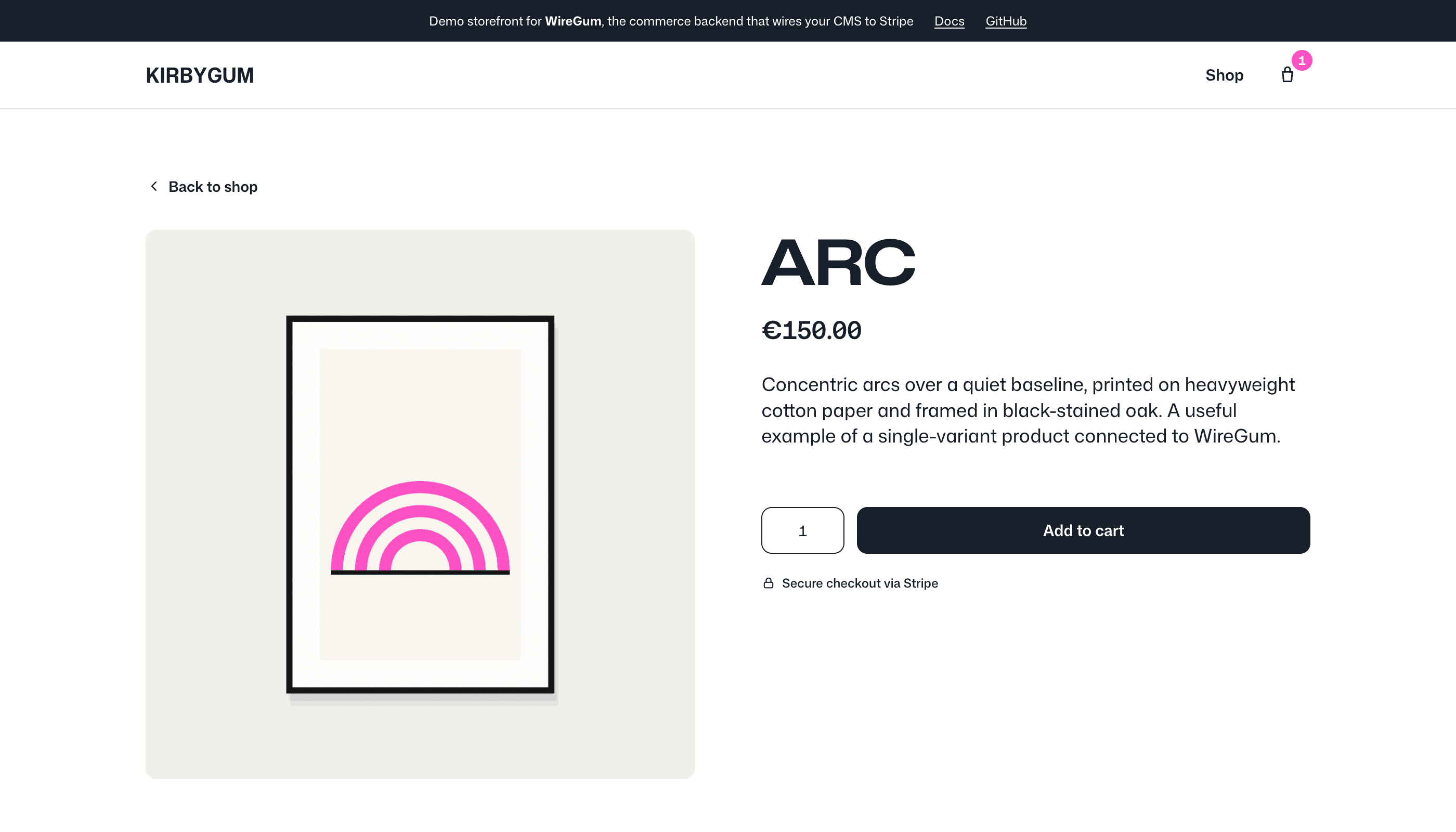
The empty element lets WireGum render a default buy box. If the Kirby template needs full control over markup, add the data attributes to your own product card.
<article
  data-wiregum-product="<?= $product->wiregumProductId()->esc() ?>"
  lang="<?= kirby()->language()?->code() ?? 'en' ?>"
>
  <h1><?= $product->title()->esc() ?></h1>
  <?= $product->image()?->crop(900, 1100) ?>
  <p><?= $product->description()->esc() ?></p>

  <div data-wiregum-price></div>
  <div data-wiregum-variant-selector></div>

  <label>
    <span>Quantity</span>
    <input data-wiregum-quantity type="number" min="1" value="1">
  </label>

  <button data-wiregum-add-to-cart type="button">Add to cart</button>
</article>

<div data-wiregum-country-selector></div>
<div data-wiregum-cart></div>
3. Render add-to-cart buttons in a product grid
A listing page can show multiple WireGum buttons before the site has internal product pages. Keep the WireGum public product ID in each Kirby product page and render it as data-wiregum-product. Slugs are still supported, but the public ID survives slug changes.
<?php
$products = page('shop')
  ->children()
  ->listed()
  ->filterBy('wiregumProductId', '!=', '');
?>

<section class="product-grid" lang="<?= kirby()->language()?->code() ?? 'en' ?>">
  <?php foreach ($products as $product): ?>
    <article data-wiregum-product="<?= $product->wiregumProductId()->esc() ?>">
      <?php if ($image = $product->image()): ?>
        <img src="<?= $image->crop(600, 760)->url() ?>" alt="<?= $product->title()->esc() ?>">
      <?php endif ?>

      <h2><?= $product->title()->esc() ?></h2>
      <div data-wiregum-price></div>
      <button data-wiregum-add-to-cart type="button">Add to cart</button>
    </article>
  <?php endforeach ?>
</section>

<div data-wiregum-cart-count></div>
<div data-wiregum-country-selector></div>
<div data-wiregum-cart></div>
For products with variants, keep data-wiregum-variant-selector in the card or pass a fixed WireGum public variant ID on the button when the Kirby field already selects one.
<button
  data-wiregum-product="<?= $product->wiregumProductId()->esc() ?>"
  data-wiregum-variant="<?= $product->wiregumVariantId()->esc() ?>"
  data-wiregum-add-to-cart
  type="button"
>
  Add selected edition
</button>
The cart, cart count, checkout button, and shipping country selector are shared across the page. Keep the country selector visible when shipping rates depend on country.
4. Test the API directly
curl https://wiregum.com/api/storefront/checkout \
  -H "Origin: https://shop.example.com" \
  -H "Content-Type: application/json" \
  -d '{
    "organizationSlug": "workspace-slug",
    "locale": "it",
    "items": [
      { "variantId": "wg_variant_ref", "quantity": 1 }
    ]
  }'
Current API contract
GET /api/storefront/products returns public catalog data for authorized origins.POST /api/storefront/checkout creates a Stripe Checkout Session.POST /api/stripe/webhook receives Stripe fulfillment events.